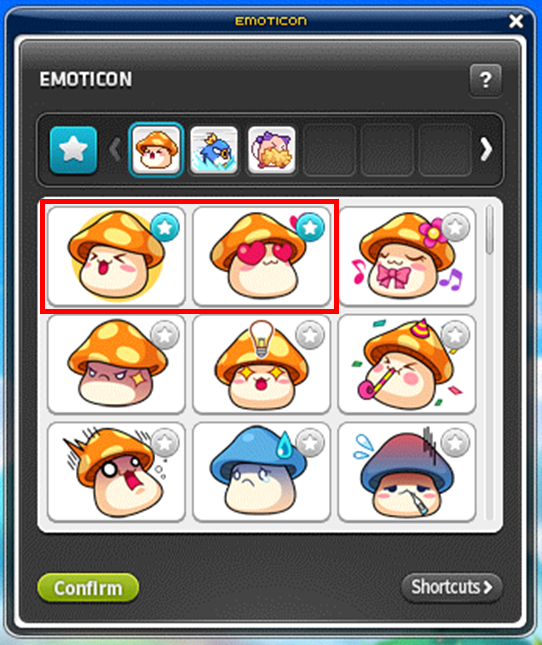
Chat Emoticon
Emoticons can be selected directly, assigned text commands or placed on keyboard shortcuts.
Using emoticons
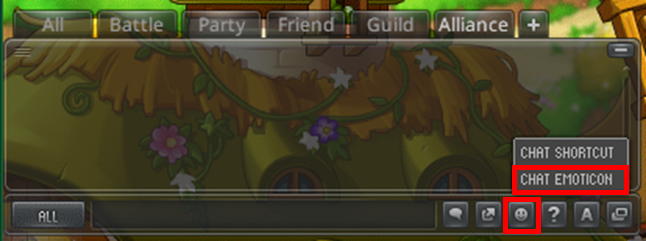
CHAT COMMAND → CHAT EMOTICON opens the collection. Double-clicking an emoticon sends it; All and Party chat also show it above the character.
Text and key shortcuts
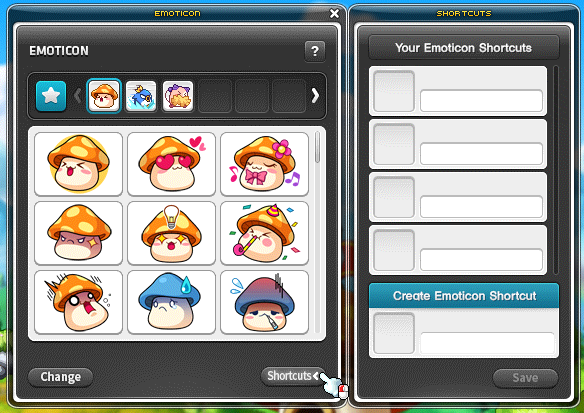
An emoticon dragged into Create Emoticon Shortcut can receive a saved command. Up to 20 commands are supported, each using at most 20 English letters or numbers; slashes are not allowed.
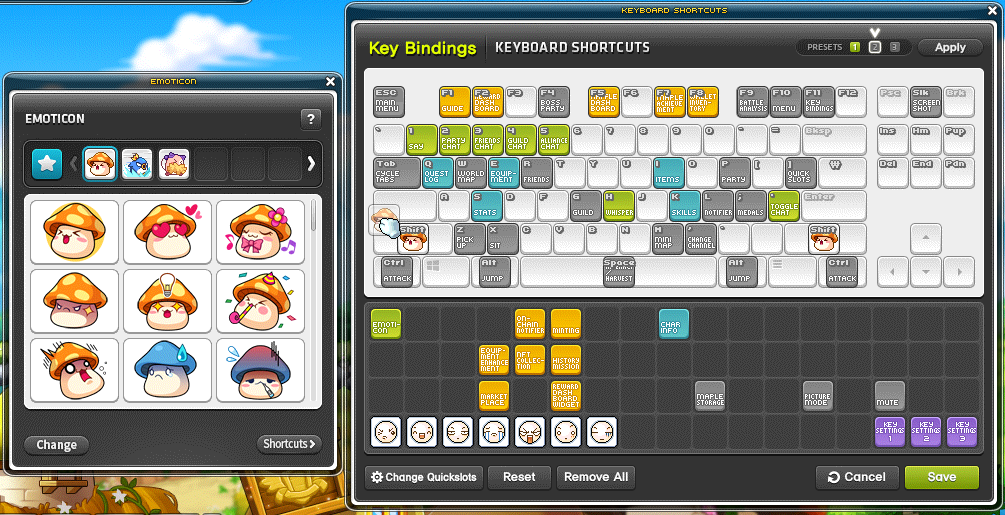
The Key Bindings window, normally F11, accepts emoticons dragged onto a key.
Collection management
Change mode supports rearranging groups and setting favorites. It does not allow shortcut registration.
Deleting an acquired group removes it until obtained again. The default Mushroom, Pepe and Pink Bean groups cannot be deleted.