Chat Window
Custom tabs and filters keep the chat channels relevant to each player's current activity.
Chat controls
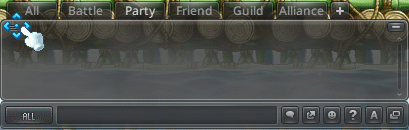
Enter activates the chat input. Dragging the window's upper-left corner moves it within the game screen. Its question-mark control lists supported slash commands.
Tabs and filters
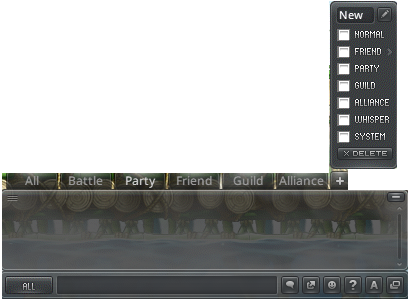
Right-clicking a tab opens its name, filter and management settings. The plus button creates a custom tab, and tab names use English characters.
Friends filters can use the groups maintained in the Friends List.
Separate chat window
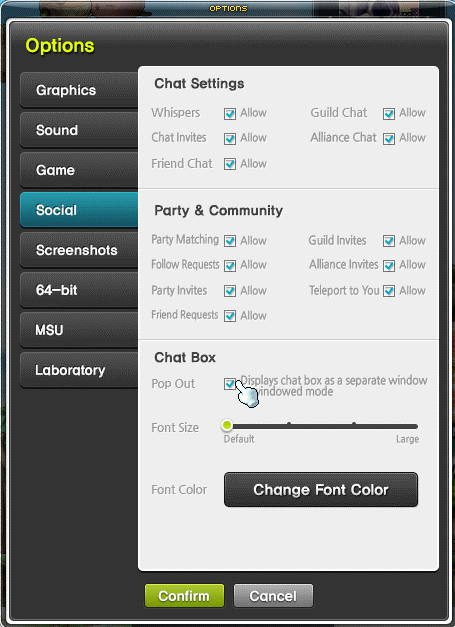
In windowed mode, the chat box can be displayed outside the game. The option is under Settings → Options → Social → Chat Box; the chat window's lower-right control switches its placement.