
Equipment Items
Read equipment tooltips and compare the stats that matter for the character.
Inspect the full tooltip
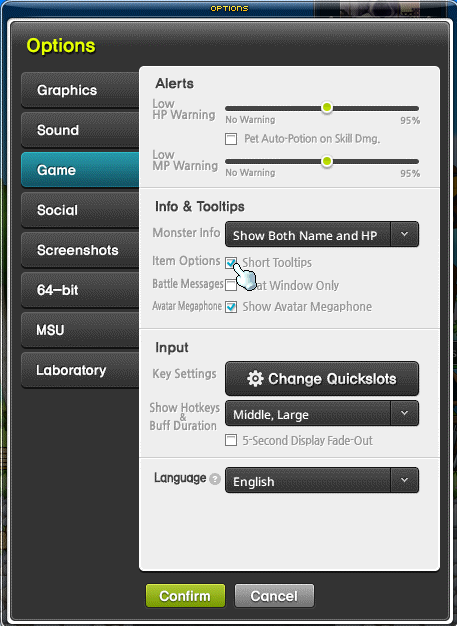
Hover over equipment to inspect its requirements, type, identifier and stats. If details are missing, disable Short Tooltips under Options, Game, Item Options.
- Filled yellow stars show the current Star Force level.
- White stat values are the base amounts; blue values show enhancement gains.
- Potential, Bonus Potential and set bonuses appear in their own sections.
- The tooltip can also show the item's representative History.

Compare useful stats
The game uses seven quality colors based on combined stats. This is a broad reference, not a complete verdict on an item. Compare the character's main stat, desired effects and set contribution before deciding which equipment to wear.
