Items
Read item status icons and understand mintable, NFT, FT, Local and SBT items.
Identify the item status
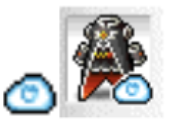
- A cloud icon marks a mintable item. It may be usable before minting, but cannot be traded; equipment also cannot be enhanced yet.
- Minted non-consumable items are NFTs. Minted consumables are FTs.
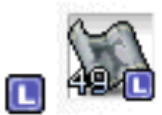
- Local items show an L and stay within the game; they cannot be traded or enhanced.
- SBT items remain wallet-bound. Eligible copies in Character Inventory appear as Local items and are deleted if the character is unlinked.

Mint an eligible item
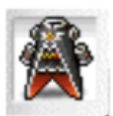
Minting removes the cloud indicator. A newly minted FT moves to Wallet Inventory; transfer it back to Character Inventory when needed for use. Equipment must be minted before enhancement or Marketplace trading.
- Mint the character first.
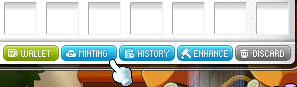
- Open Character Inventory and choose Minting.
- Select an eligible item and confirm Minting in the adjacent panel.