Maple Guide
Find level-appropriate activities and travel shortcuts in the in-game guide.
Find the next activity
- Press F1 to open Maple Guide.
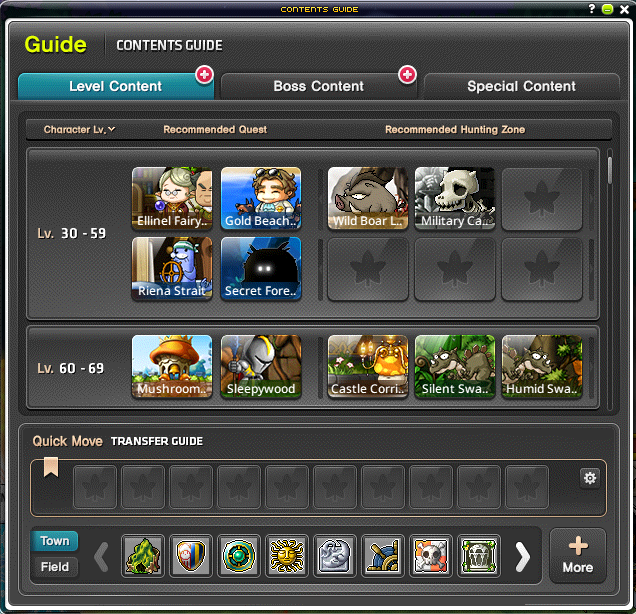
- Browse the level recommendations for quests, theme dungeons and hunting areas.
- Select an activity to inspect it, then use Move when the character meets its conditions.
Save useful destinations
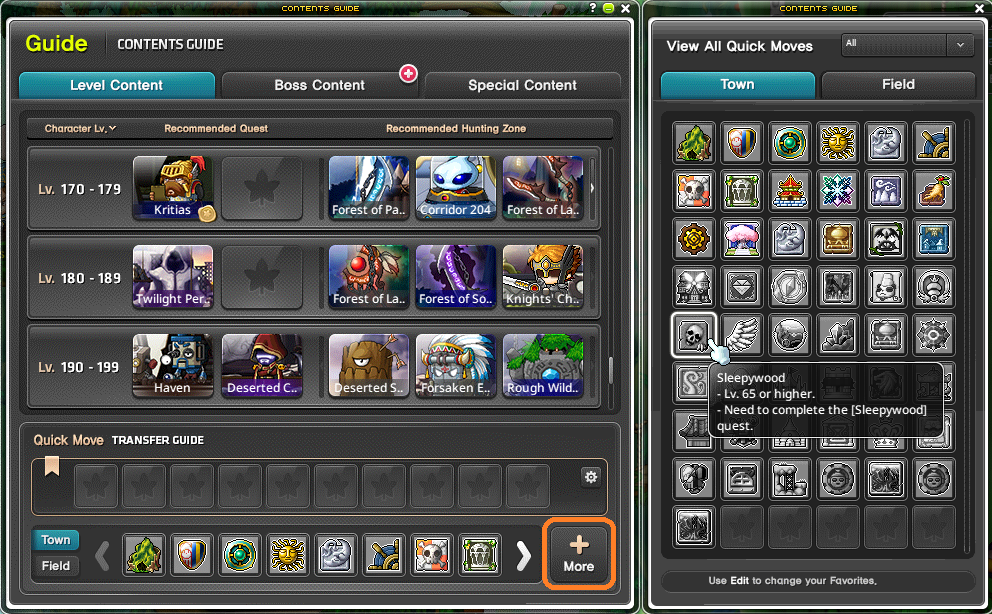
Quick Move unlock conditions differ by destination. Select a town or field to inspect its requirements, then use the gear button to add eligible favorites. Quick Move has a 30-second cooldown.
Explore beyond hunting
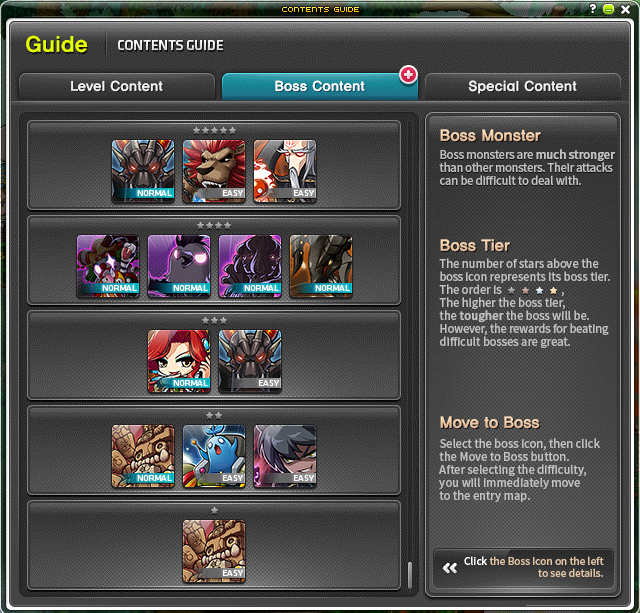
- The Boss section groups bosses and displays their difficulty; select a boss for details.
- Special Content highlights story, progression and competitive activities.
- The standard Move button is restricted when a character is more than 10 levels above the relevant content.