User Interface
Locate quests, character information, navigation tools and language settings.
Read the main interface
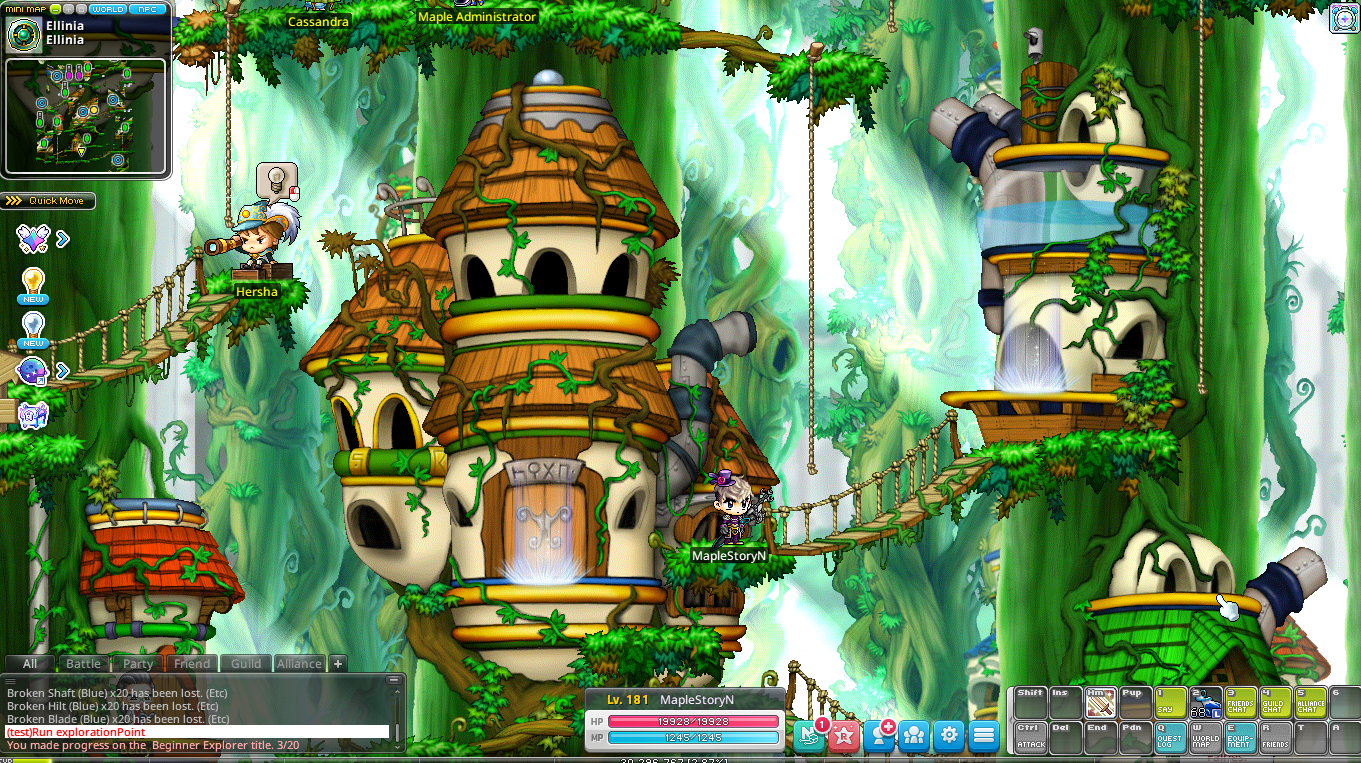
- The minimap shows nearby NPCs and map features. Its NPC list can highlight a target or start navigation.
- The left notifier groups regular quests, daily and weekly quests, events and official news.
- The character bar displays level, HP, MP and EXP. Enter opens chat.
- The minimap's Reward button opens the Reward Dashboard.




Keep objectives visible
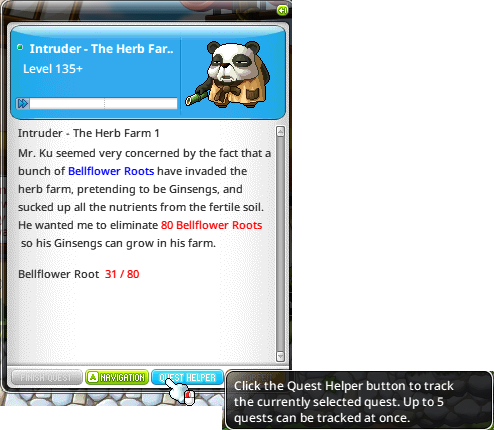
Quest Helper tracks up to five quests. In the Q quest window, select a quest's checkbox or use Quest Helper. Auto Alarm adds newly accepted quests automatically. Uncheck a quest or use its X button to remove it.
Change the language
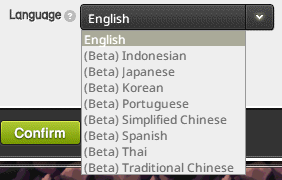
Important names remain in English. The official guide identifies non-English translations as beta.
- Open Settings, Options, Game, then Language.
- Select a supported language and confirm.
- Restart the client to apply the change.